How AI agents remember things (and what they forget)
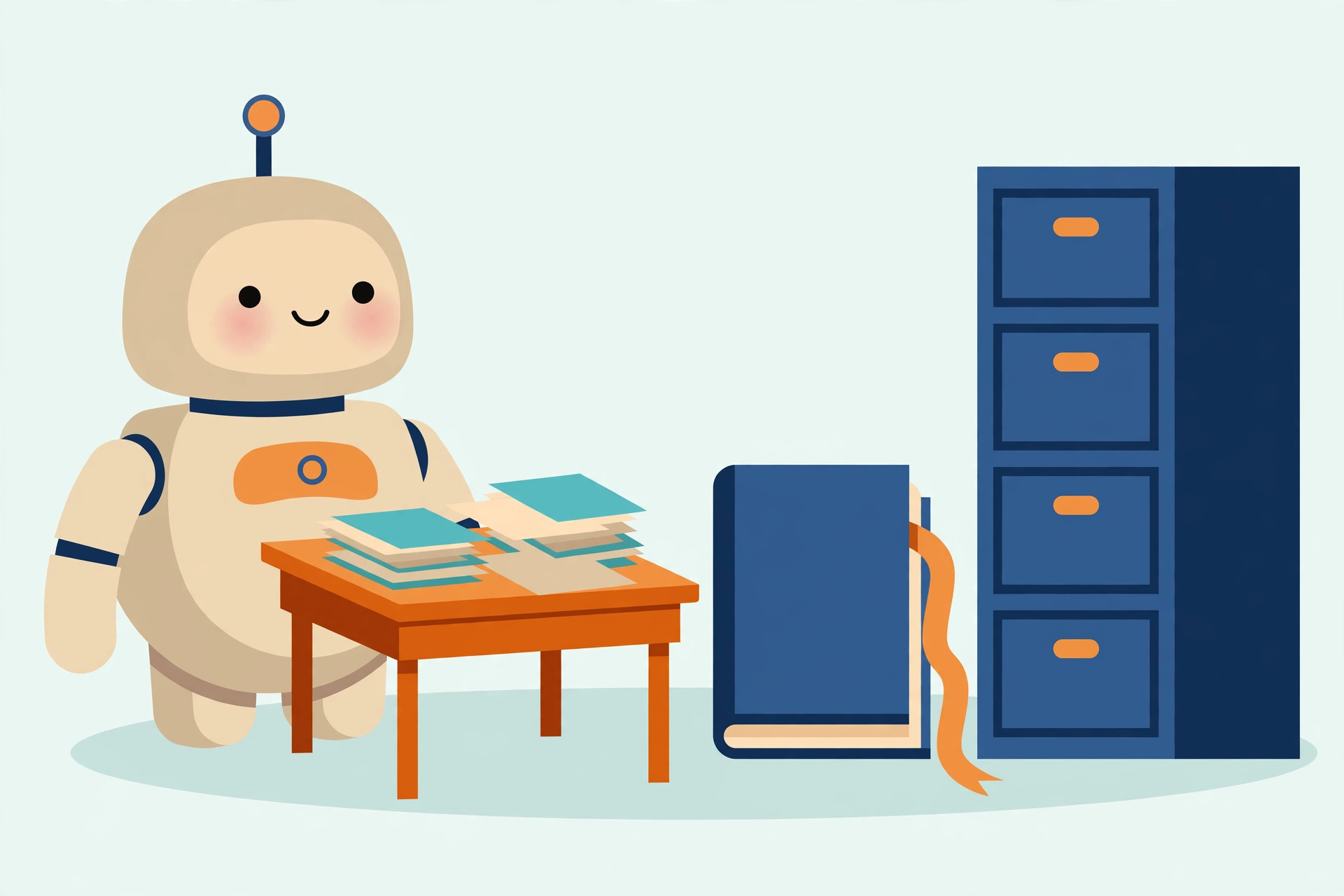
"It remembered what I told it last week, but forgot what I said ten minutes ago." If you have used an agent for more than a day, you have probably hit some version of this. The confusion comes from one word, "memory," covering three different mechanisms that work nothing alike. Separate them, and the strange behaviour stops being strange: you will know what an agent can recall, what it will lose, and where to go to delete what it kept.
The short version
An agent's memory has three layers. The context window is its working memory, everything in the current conversation, gone or trimmed when the conversation ends or overflows. Saved memories are short notes a product deliberately keeps between conversations, like your name or your preferred format. Referenced history is the product reaching back into your past chats, files, and connected apps for relevant details. Different layers, different controls, different ways of forgetting.
Layer 1: the desk, working memory (the context window)
Picture a desk. Everything the model can use right now, your instructions, the conversation so far, documents you pasted, results from tools it ran, sits on the desk. Anthropic's developer documentation describes the context window in exactly these terms: it is the model's "working memory," separate from the huge body of data the model was trained on. Every turn adds paper to the desk: each of your messages and each of the model's replies accumulates, and tool results, images, and documents count toward the space too.
Desks have edges. Verified against that same Anthropic documentation on 16 October 2026: many current Claude models offer a 1M-token context window, while other Claude models offer 200k tokens. (A token is a chunk of text, roughly three-quarters of a word, so 200k tokens is on the order of a long novel.) When material exceeds the window, something has to give: chat interfaces may manage the window on a rolling first-in, first-out basis, the oldest pages fall off the desk, and Anthropic offers server-side compaction, which automatically summarizes earlier parts of a conversation so it can continue. A summary is not the original. Detail is exactly what gets lost.
One more caveat the documentation states plainly, and marketing never does: as the token count grows, accuracy and recall degrade, a phenomenon Anthropic calls context rot. A bigger desk helps, but a cluttered desk still hides things. This is why an agent can "forget" something you said an hour ago in a long, busy session while remembering it perfectly in a short one. Nothing broke. The desk filled up.
Layer 2: the notebook, saved memories
Saved memories are the notebook the product carries from conversation to conversation. OpenAI's help documentation puts it this way: saved memories are details you explicitly ask ChatGPT to remember, or that it saves as useful context. They are stored separately from chat history, and that separation produces the most misunderstood behaviour in this whole area: deleting the chat where you mentioned something does not automatically delete a saved memory created from that chat. The note stays in the notebook even after the conversation is gone.
Claude takes a similar shape. As reported in August 2026, Claude's chat and its Cowork agent now share one memory, so what it remembers from your chats is available when the agent runs tasks, and vice versa, with memory on by default on the Free, Pro, and Max plans, and memory for sensitive topics off by default. Two products, one pattern: a small, deliberate store of facts about you, kept apart from the conversation stream, and editable if you go looking for the controls.
Layer 3: the filing cabinet, referenced history, files, and apps
The third layer is broader and fuzzier. With memory enabled, OpenAI documents that ChatGPT can also draw on relevant past chats, files in your Library, and content from connected apps such as Gmail, depending on your plan and region. This is not a tidy list of notes. The memory summary you can view is explicitly a high-level view that does not necessarily include everything the product can reference, which is why an agent sometimes surprises you with a detail you never asked it to save. It did not save it as a note. It found it in the filing cabinet when the topic came up.
The three layers, side by side
| Layer | Holds | Lasts | How it forgets |
|---|---|---|---|
| Context window | The current conversation, your instructions, pasted documents, tool results | This conversation only | Oldest material rolls off, or earlier turns get summarized (compaction) when the window fills |
| Saved memories | Short facts: preferences, names, standing details you gave it or it chose to keep | Across conversations, until deleted | Only when you delete the memory itself, deleting the original chat is not enough |
| Referenced history | Relevant details drawn from past chats, Library files, and connected apps | Across conversations, while the sources exist and the setting is on | Turn the setting off (deletion scheduled within 30 days on ChatGPT), delete the source chats/files, or disconnect the app |
Audit what an agent remembers about you
Here is the audit for ChatGPT, following OpenAI's documented controls. Other products bury the same ideas in similar places.
- Open Settings, then Personalization, then Memory.
- Read the memory summary and the saved memories list. Anything wrong or outdated, correct it in place or delete that entry, corrections in the summary are supported directly.
- Check the toggles. Note that turning off "Reference saved memories" also turns off "Reference chat history," while chat-history referencing can be switched off on its own, and switching it off schedules what it learned from your past chats for deletion within 30 days.
- Remember the separation rule: to fully remove a detail, delete the saved memory and the chat where you shared it, plus any Library file or connected app that still holds it.
- For one-off sensitive conversations, use a temporary chat: OpenAI documents that temporary chats do not create or update memories.
What success looks like: you can point at each layer and say what is in it, the summary shows nothing you regret, the toggles match how you actually want the product to behave, and you know which chats or files still hold the details you removed from memory. If a supposedly deleted fact keeps surfacing, it is almost certainly still sitting in a source chat or file, not hiding in the notebook.
FAQ
Does the agent learn and get smarter from talking to me? Not in the way the word suggests. The underlying model does not retrain on your conversation in real time. What changes is the notebook and the filing cabinet, stored facts and retrievable history, not the model's underlying abilities.
Why did it remember my coffee order but not my project deadline? Short, distinctive preferences are exactly what saved memories are good at. Deadlines mentioned once, deep in a long session, live in the context window, the layer most exposed to rolling off and context rot. If something matters, ask the agent to save it explicitly, and keep the working facts in your brief. The guide on giving clear instructions shows how to structure that brief.
Is memory the same as custom instructions? No. OpenAI draws the line clearly: custom instructions are direct guidance you write about how it should respond; memory is context that builds up across conversations and other sources. You control the first word-for-word. The second you can only review and prune, which is why the audit above is worth five minutes every few months.